
This article will cover the following:
- What Are Landing Pages?
- What Are Landing Page Categories?
- How to Add Landing Page Subcategories
- Where to Manage Landing Pages
Contents
What Are Landing Pages?
Landing Pages are entities within CAKE that represent destination pages and confirmation pages. With the Landing Pages entity you can accomplish the following:
- Landing Page Categorization
- Internal Redirect Landing Page Overrides on:
- Creatives
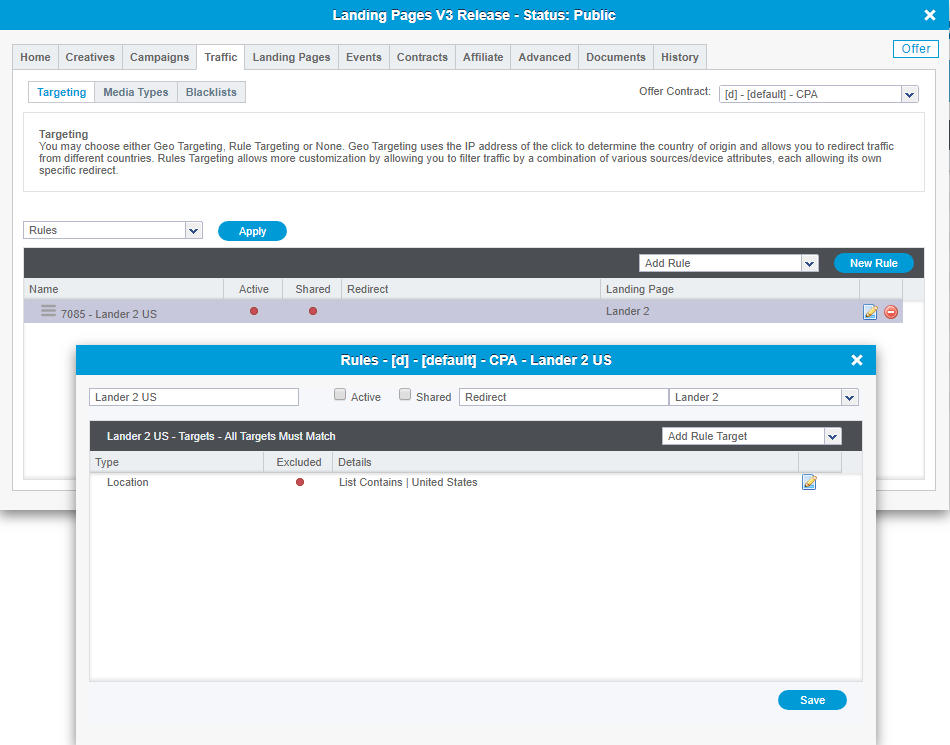
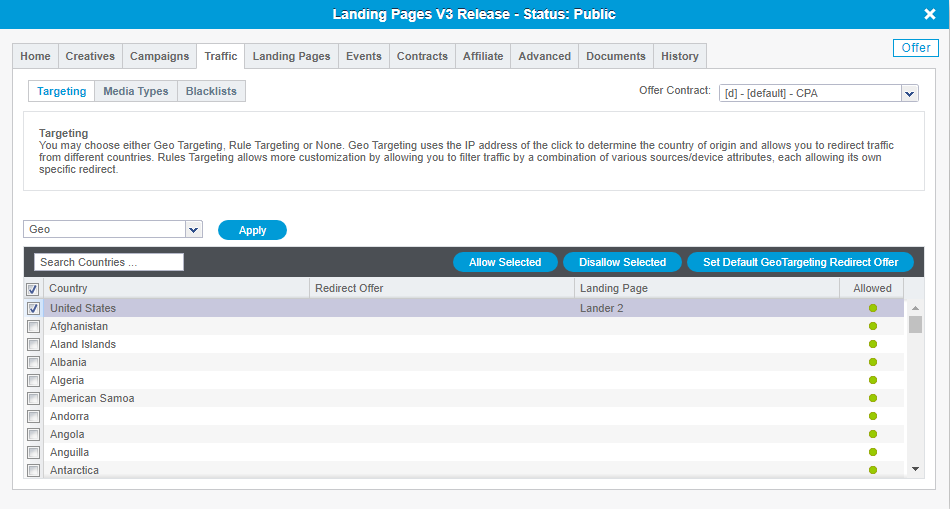
- Targeting
- Contracts
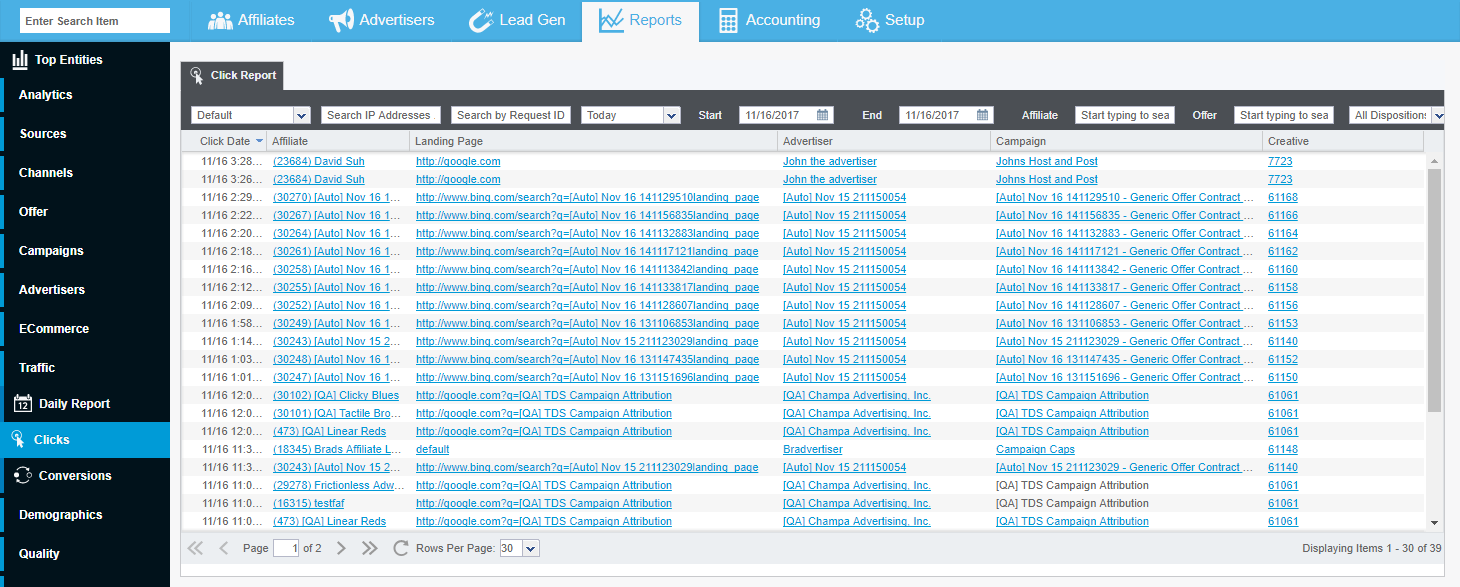
- Reporting on Landing Pages
What Are Landing Page Categories?
Landing Pages allow you to categorize your destination URLs as Language, Content, Device, or Region. You also have the ability to create custom Subcategories that live under the main Categories. Landing Page Categorizations allow you to group Offer Contracts and Campaigns in the Affiliate Portal Offer grid so that your Affiliates can find the best Landing Page(s) for their traffic.
How to Add Landing Page Subcategories
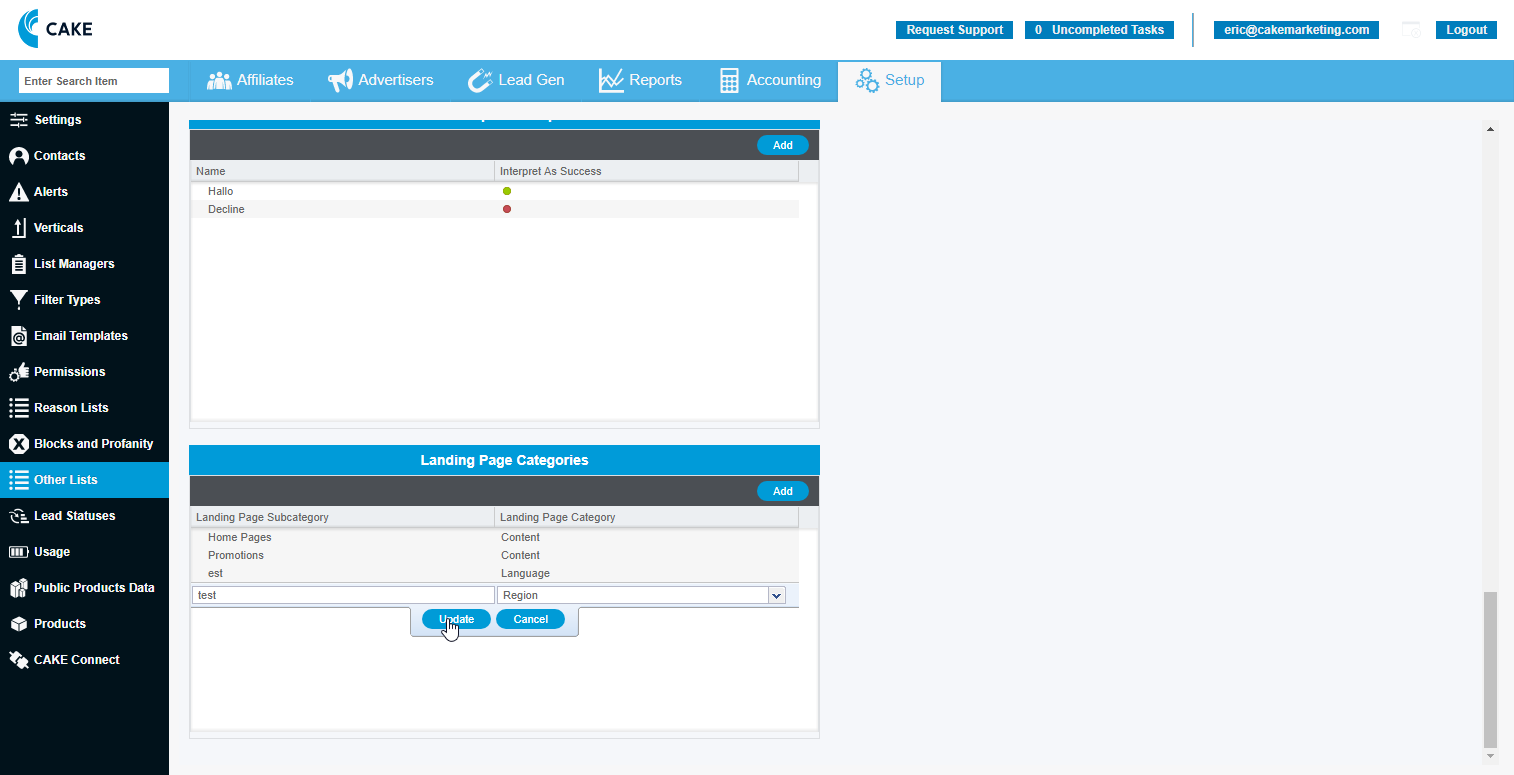
To add a new Landing Page subcategory and its corresponding category, follow these steps:
- Click the Setup main tab
- Click on the Other Lists sub-tab
- Find the Landing Page Categories section
- Click on the Add button
- Enter your desired Subcategory name
- Map your Subcategory to the relevant Category
- Click the Update button
Where to Manage Landing Pages
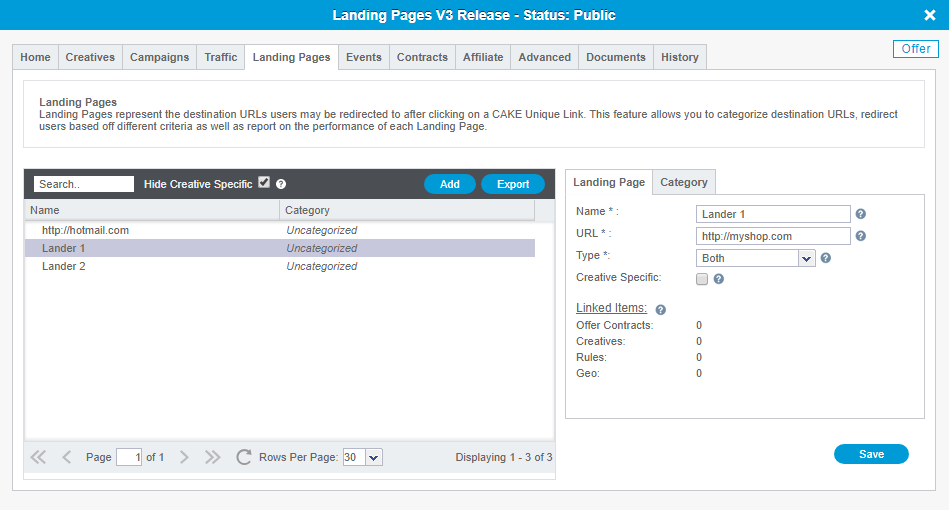
The Landing Pages tab on the Offer Card is where you will Add, Edit, and Categorize all of your Landing Pages and Confirmation Pages.
For each Landing Page or Confirmation Page, you will have the ability to give it a Name and decide if it should be Creative specific or show in the Affiliate Portal.
To Add a new Landing Page or Confirmation Page, follow these steps:
- Click Add
- Assign a unique Name to the Page
- Designate the URL traffic will redirect to
- Select the Page Type; Landing Page, Confirmation Page or Both
- Check the CreativeSpecific box if this URL should only be available in the Creatives tab
- Check the Portal box if Affiliates should have access to this Landing Page in their Portal
Note:
All edits to Landing Page URLs should be made from the Landing Pages tab on the Offer card. Any changes to a Landing Page URL from the Home tab, Contracts tab, or Creative card will create a new Landing Page entity.
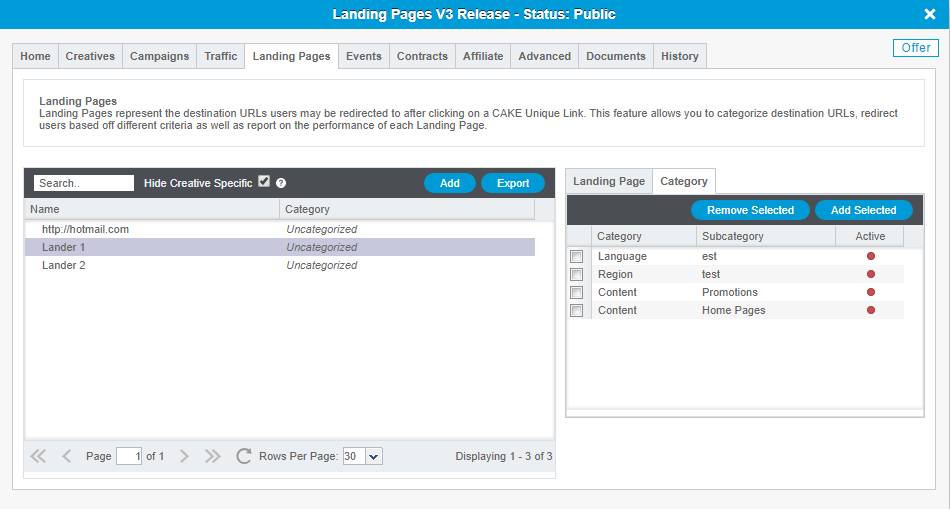
To Categorize your Landing Pages so that Affiliates can easily find the pages that are best suited for their traffic, follow these steps:
- Select the Landing Page
- Click on the Category sub-tab
- Check the box(es) next to Category-Subcategory and Add Selected
- Click the Add Selected button

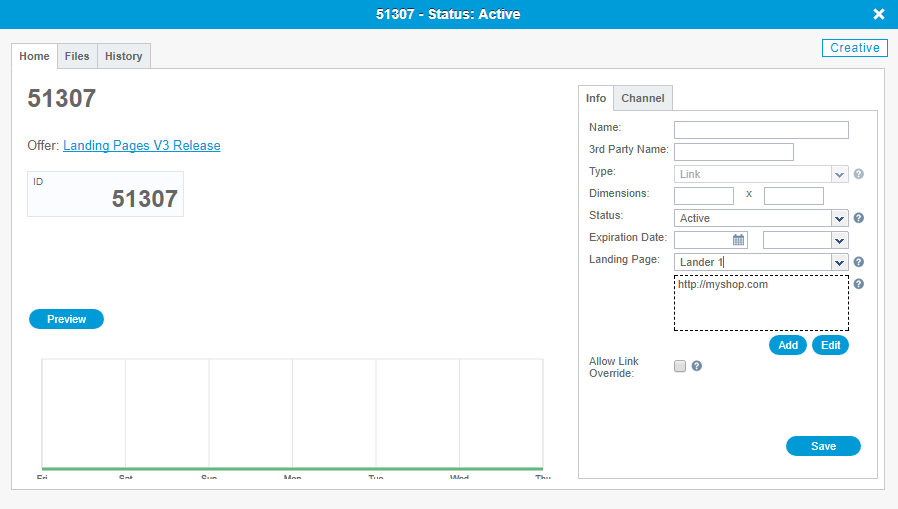
After you've Categorized your Landing Page(s) you will see the assigned Category-Subcategory in the Category column within the Landing Pages tab.
If you have any questions, please reach out to your dedicated CAKE Client Success Manager/Account Manager or contact the CAKE Support Team at support@getCAKE.com.